Five Android Auto features you need to know
 Victor Alós Yus @sepelaci
24 May 2019
3 min.
Victor Alós Yus @sepelaci
24 May 2019
3 min. 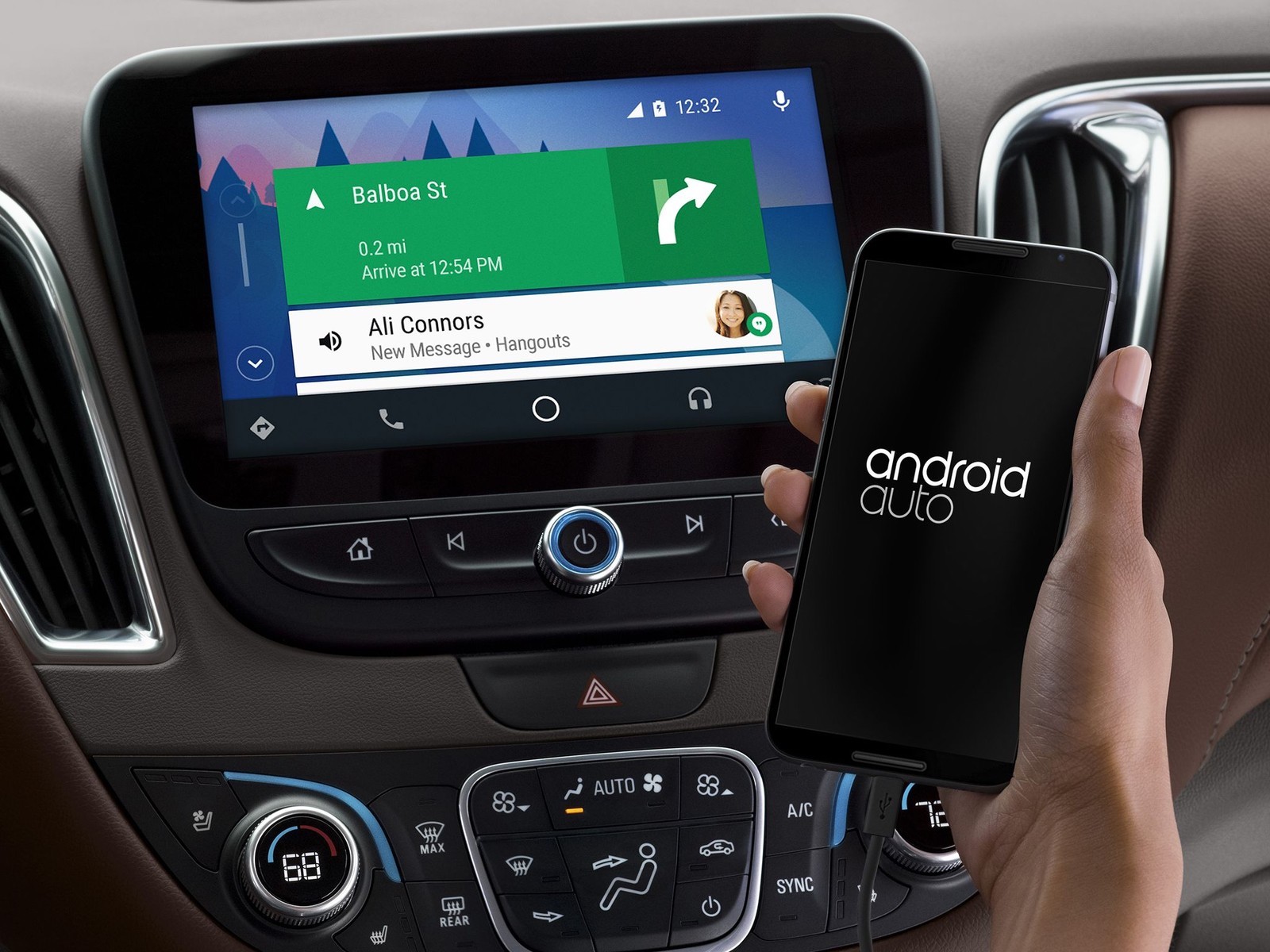
The Android Auto system can offer many advantages when used by the car’s infotainment system to connect your phone to it
The technology fitted to the new models of almost every brand offers a range of advantages that seemed like science fiction only a few years ago. The new infotainment systems found on car dashboards help improve driving and reduce risks. Among the things they can do, one of the most important applications is mirroring the smartphone’s apps. The Android Auto system can mirror those apps, and these are five functions it performs that you should know about to avoid frights at the wheel.
Listening to and writing WhatsApp messages safely
WhatsApp is one of the most widely used apps, and we know it can cause accidents. For that reason, Android Auto can interact with WhatsApp through the voice assistant. Thanks to this, text messages can be heard as audio. You can also choose a group or contact and dictate a message, which will be transcribed and sent as text or audio, depending on your preference. Even so, it is better not to keep checking WhatsApp and to forget about it until you can stop and attend to it properly, to avoid dangerous distractions at the wheel.
Using Google Maps navigation
Only a few years ago, you needed to buy an external sat nav to attach to the car. Later, built-in navigation systems were introduced, but many of these use databases that can become outdated and lead to confusion. This is not the case with Google Maps, a very complete service that offers good data updates. To use it, you can link the car’s infotainment system to your smartphone and use the voice command system to plan the route and have it displayed on the multimedia screen.
Using the Spotify app to listen to the music you want
The radio is fine, but it can get a bit tiresome. For that reason, we can have Spotify’s entire music catalogue at our disposal, not just the catalogue of this streaming app. Music, podcasts and everything else you want to listen to, on demand and with the sound quality offered by the car’s audio system.
Access to the phone’s resources through voice commands
The Android Auto system can access all of the phone’s resources with a simple voice command. This makes access to all of the phone’s apps and features simpler, more practical and faster. It is important to add that for this function to work, the car obviously needs a voice assistance system. If it does not have one, the screen offers an intuitive and easy-to-use interface. That said, you must be stationary to use it, to avoid risks.
Android Auto can be used wirelessly
Unlike the Apple CarPlay system, Android Auto can be used without a cable. A Bluetooth connection may be enough to connect the phone to the car. This makes connecting very simple, and we can use it without the hassle of a cable. This is one of the advantages, providing a clean, practical and fast connectivity, using the possibilities offered by Bluetooth. That said, keep an eye on the battery, as using these systems can drain the charge in a short time.


 Peugeot E-208 GTi: a battery-powered toy that revives the spirit of the 1980s sports cars
  New Lexus ES: luxury grows and goes electric
  First contact with the Dacia Sandero Hybrid 155: power and efficiency from €19,890
 Deja un comentario