5 Apple CarPlay functions you need to know
 Victor Alós Yus @sepelaci
30 June 2019
3 min.
Victor Alós Yus @sepelaci
30 June 2019
3 min. 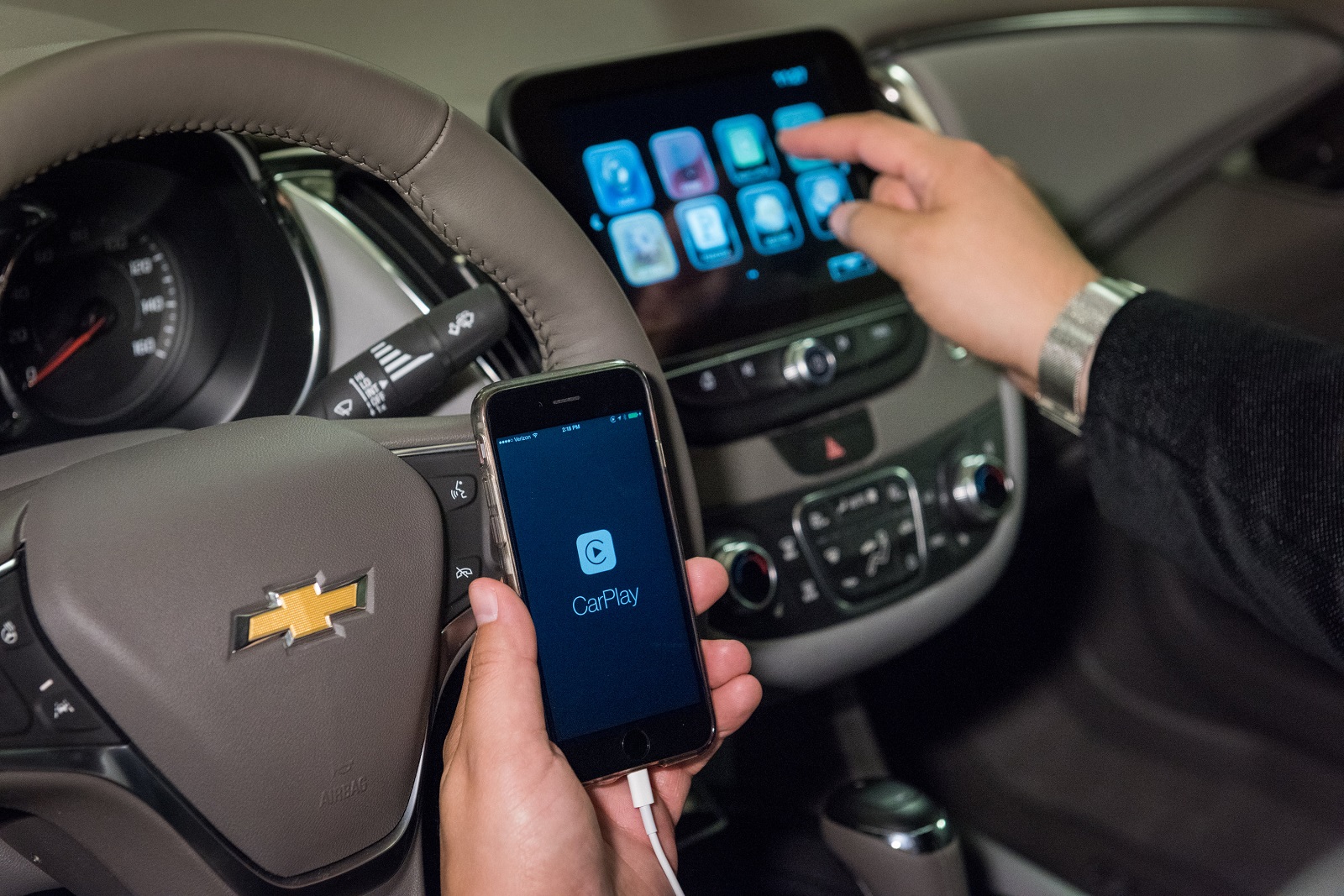
The Apple CarPlay system lets you use your iPhone apps through the car’s infotainment system, safely and without risk
One of the advantages of new models on the market is the incorporation of infotainment systems. And with this, the possibility of connecting your smartphone to the car’s system, so that driving doesn’t mean giving up your phone. The infotainment systems in cars can be equipped with Apple CarPlay, the system that connects your iPhone to the car and lets you enjoy the phone’s apps and functions while driving.
These are some of the possibilities offered by Apple CarPlay, a system that connects your phone to the car and allows you to use several apps with complete safety, without breaking traffic rules and without risk, either for the driver or for other road users.
Sending text messages by voice
WhatsApp and other instant messaging apps can be used while driving, but only if they don’t cause distraction. And that is only possible if you don’t need to take your eyes off the road. With connectivity to the iPhone, Apple CarPlay lets you link this app to the on-board system, and you can compose a text message using voice commands. In this way, the system picks up the message and can send it as a voice note or as text to the recipient you choose, also by voice.
Using the browsers installed on your phone
Using a practical browser in the car is much easier if you can move the iPhone’s browser, or any app with this function, to the car’s screen. Once again, Siri is a great help for connecting to the chosen app, giving an address, and having the iPhone tell us the best route to that destination, shown on the car’s multimedia screen. One note: Google Maps also works with Apple CarPlay, although you need to make some adjustments on the iPhone that are not necessary on Android systems, so keep this in mind and make them before setting off.
Controlling your favourite music or podcasts
Through Apple CarPlay you can also access audio streaming services, such as the popular Spotify or Ivoox. To change the song, you only need to use the steering wheel controls, the touchscreen itself, voice commands, or the centre console dial. The comfort of listening to the music we like, at our own pace and without risk.
Accessing Siri through a steering wheel control
Siri is the iPhone’s voice assistant, and you can access it thanks to a steering wheel control. Pressing the control activates the link with Siri, and through it you can make any query, prepare a route in the browser, and access any app you want to enjoy on the infotainment system screen.
Accessing all the iPhone apps
Virtually all apps can run on the car’s infotainment system, so it is a very practical system for having access to everything needed to stay well connected and safe in the car. That said, while Android Auto works via Bluetooth, Apple CarPlay only works through a cable. A small disadvantage that, on the other hand, allows a more secure and efficient connection.


 Peugeot E-208 GTi: a battery-powered toy that revives the spirit of the 1980s sports cars
  New Lexus ES: luxury grows and goes electric
  First contact with the Dacia Sandero Hybrid 155: power and efficiency from €19,890
 Deja un comentario